Screens & Room Setup
A screen and room shape the picture together. Surface texture, viewing angle, light direction, wall color, reflections, and seating can matter as much as another menu adjustment. Good setup is reversible and methodical: establish geometry, control light, choose a known picture mode, change one setting, and keep the reset path close by.
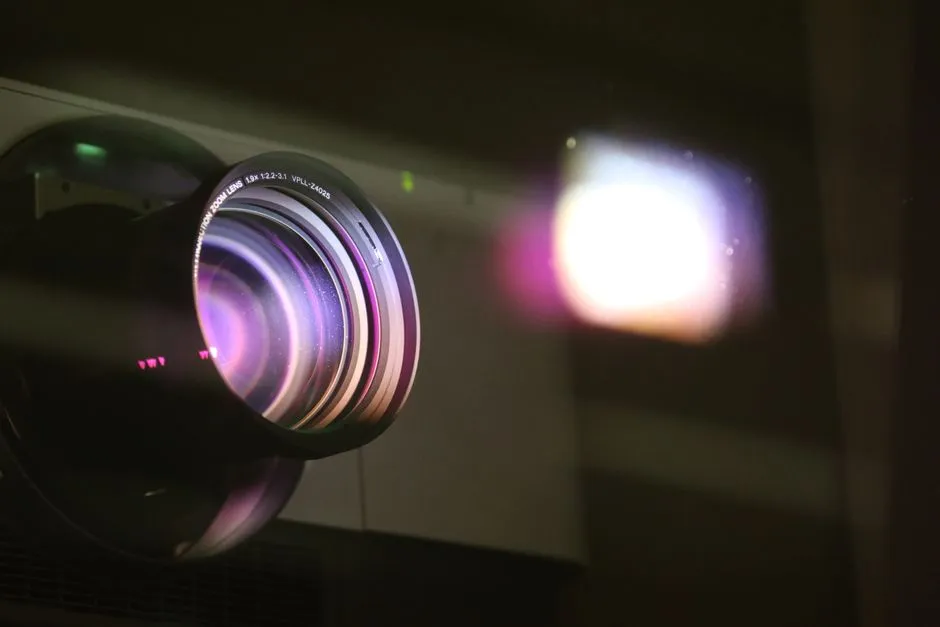
Calibrate a Projector With Basic Patterns
Calibrate a projector with basic patterns only after setting the room light, screen, source format, focus, and geometry.
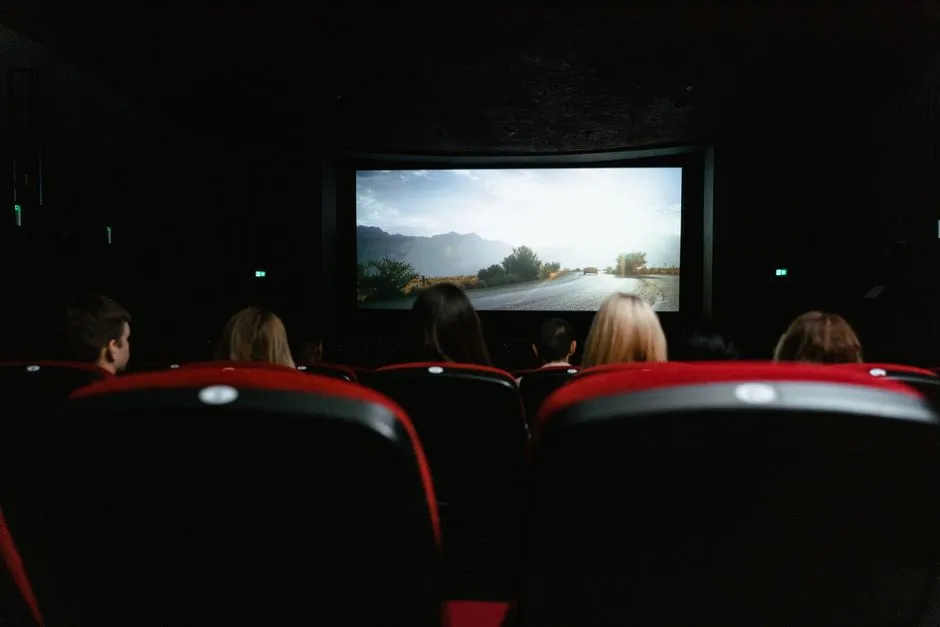
Choose a Projector Screen Material
Choose screen material by matching gain, viewing angle, color, texture, flatness, throw direction, ambient-light structure, image size, seating, and…
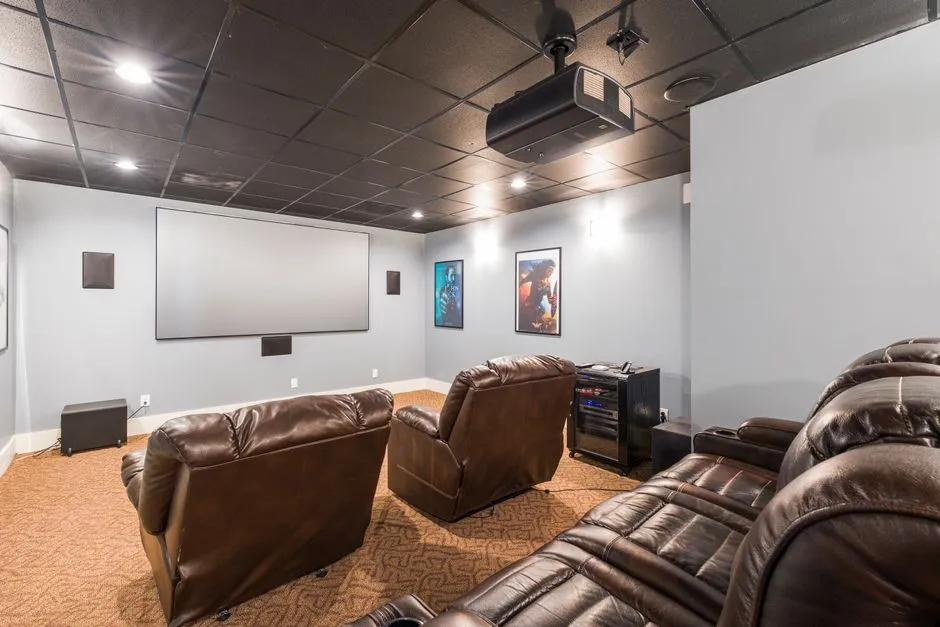
Clean a Projector Lens and Filter
Clean projector optics only through the exact user-service procedure.
Connect a Projector to a Sound System
Connect projector audio by defining the signal path first: sources through an AV receiver to the projector, sources to the projector with ARC/eARC or…
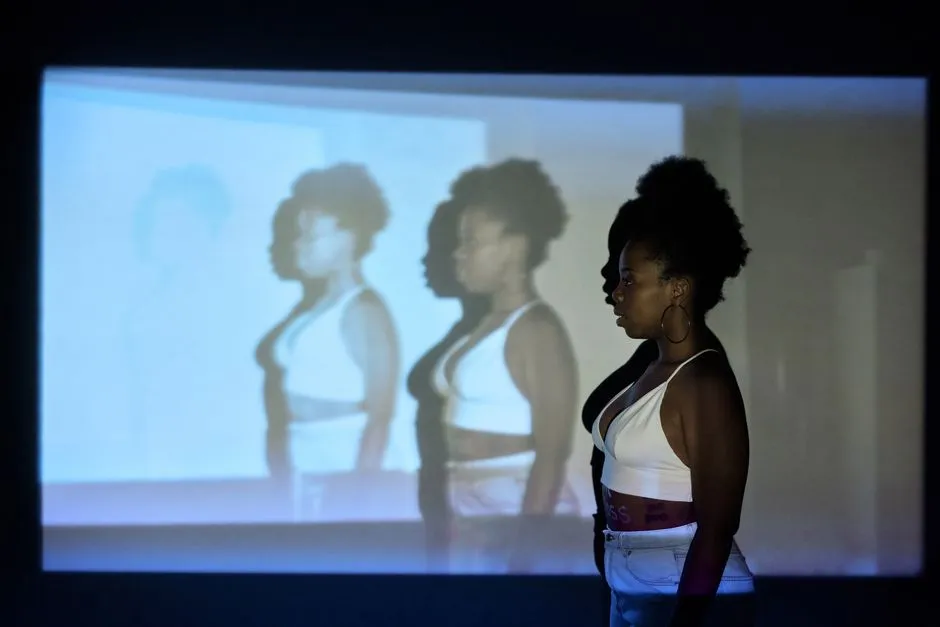
Control Ambient Light for a Projector
Control ambient light by mapping windows, fixtures, indicators, and reflections that reach the screen during real viewing hours.

How to Focus and Align a Projector
Align a projector before focusing: secure projector and screen, use an internal grid, physically square the lens plane to the screen, correct rotation,…
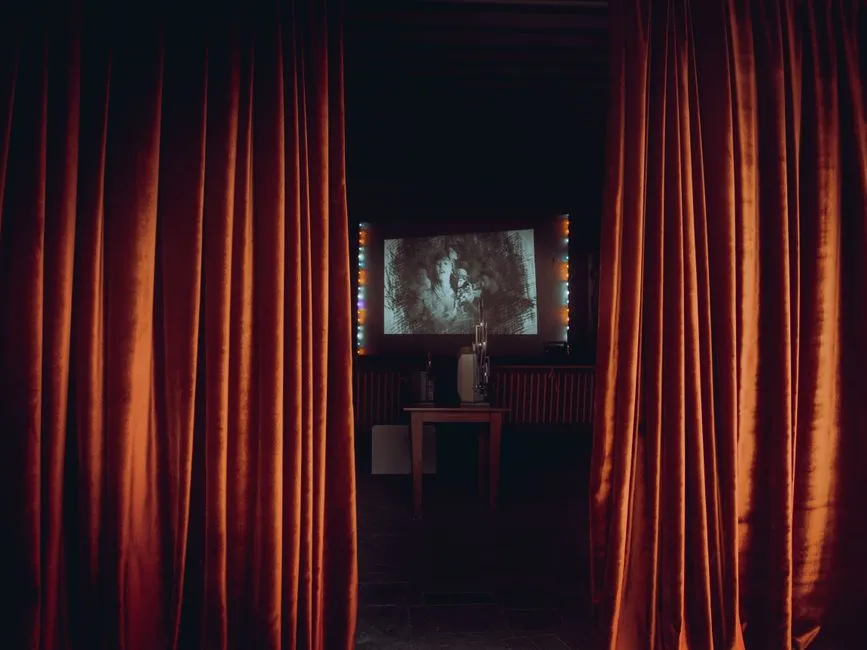
How to Prepare a Wall for Projection
Prepare a projection wall by confirming the final image size and projector geometry, then inspecting under grazing and projected light for waves, texture,…
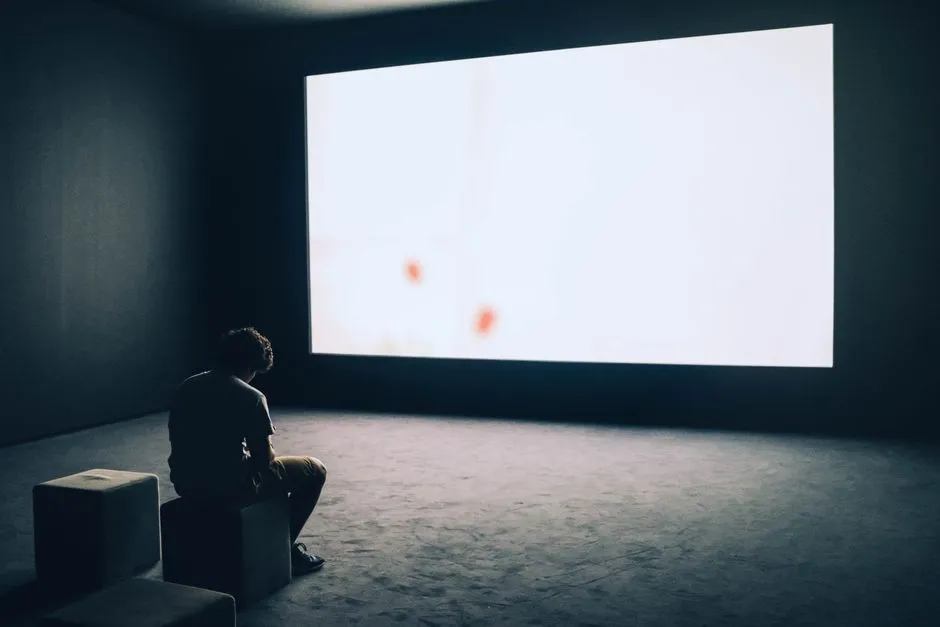
Projector Black Bars: Aspect Ratio, Fit, and Crop
Projector black bars often appear because the picture's aspect ratio differs from the available display area, or because bars are already part of the…
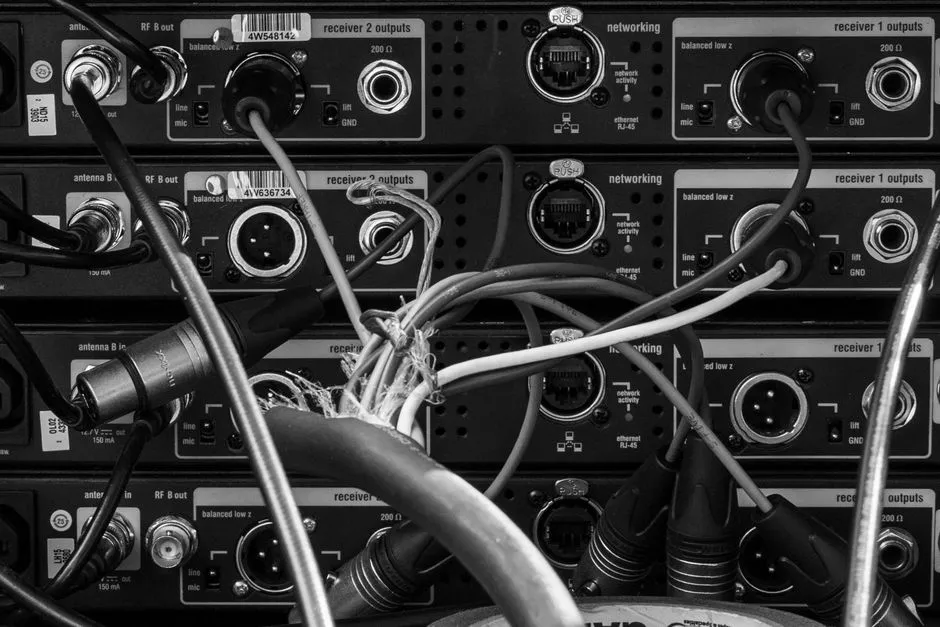
How to Route Projector Cables Safely
Route projector cables by mapping power and signal separately, choosing cable rated for the bandwidth and installation environment, testing every intended…
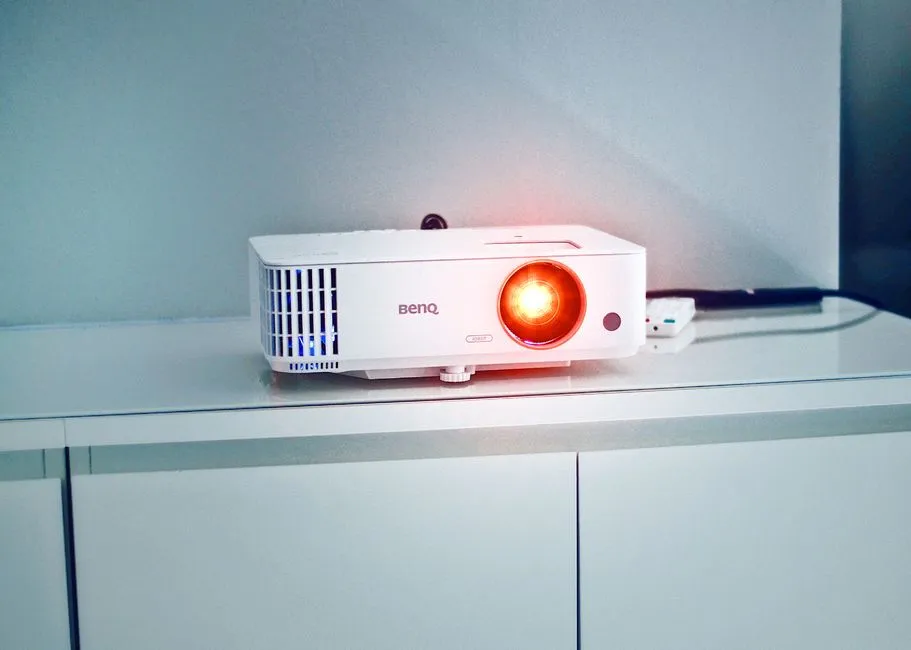
Troubleshoot a Dim Projector Image
Troubleshoot a dim projector with a known source and internal menu under fixed room light.

White vs. Gray Projector Screen
White screens are a common neutral choice in controlled light and are often sold with higher gain than gray alternatives.