White vs. Gray Projector Screen
Choose based on the room's black floor and projector margin
A white projector screen reflects more of the incident image according to its gain and preserves a neutral baseline in controlled light. A gray screen is often lower gain than a reference white surface, so it may reflect less light toward the viewer and make dark areas appear darker while also reducing whites unless the projector and coating provide enough usable output.
Gray is not a blackout curtain painted onto fabric. Ambient light still lands on it.
Separate screen color from optical structure
Some white and gray materials are simple diffuse surfaces; others use gain or directional ambient-light-rejecting layers. Color alone does not tell you viewing angle, hotspot behavior, texture, or light rejection.
Read the complete material specification and test a sample. A gray ALR screen and a neutral gray painted wall may share a color word while behaving very differently.
Evaluate the room light
In a dark room with dark surfaces, a neutral white screen often provides a straightforward reference and strong brightness efficiency. In a room with residual light or bright reflections, a gray surface may lower the apparent dark floor, but the room light still reduces contrast.
Use ambient-light control before choosing screen color. Direct light on the image is better blocked than cosmetically negotiated.
Check projector output and image size
Gray material may require more usable projector output for the same apparent whites, depending on gain and viewing angle. A large screen also spreads available light over more area.
Review projector brightness in the intended picture mode, not the maximum preset. Consider HDR tone mapping and dark-scene behavior with actual content.
Test color neutrality and texture
A well-designed surface should not impose unwanted tint, but coatings can interact with angle and projector spectrum. Compare skin tones, grayscale steps, white fields, saturated colors, and off-axis seats.
Look for sparkle, sheen, hotspotting, visible texture, and brightness uniformity. A darker sample may initially look punchier because the room is bright; repeat the test under the light conditions you actually plan to use.
Include seating and throw
Higher-gain or structured materials may favor center seats. View from the widest and highest regular positions. Confirm compatibility with standard, short, or ultra-short throw through screen material selection.
Do not rotate directional material or install it upside down. Follow orientation labels and frame instructions.
Run a split-sample comparison
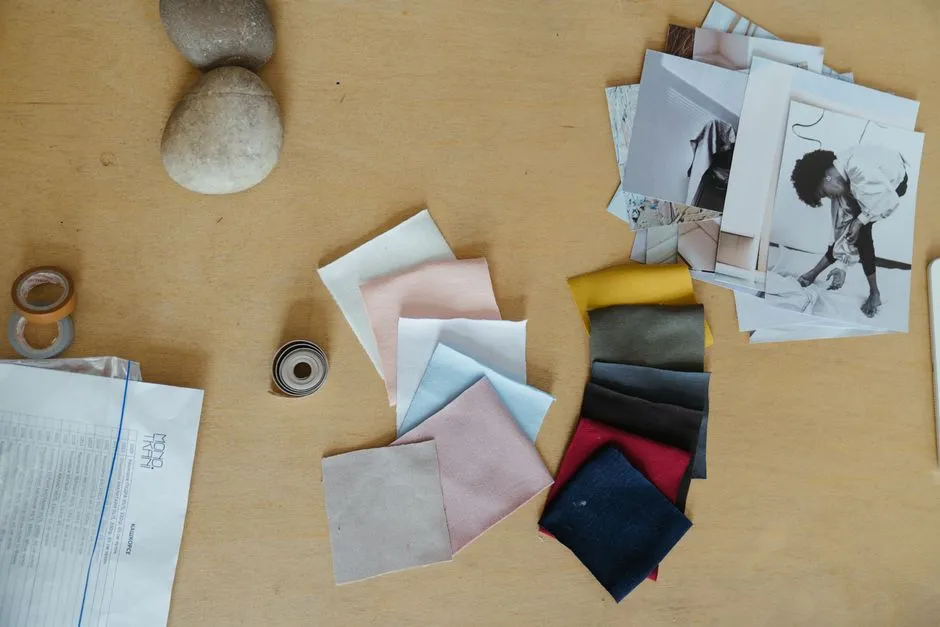
Place white and gray samples side by side before powering the projector, then compare them from every seat. Power down before swapping sample positions. Keep hands, body, and eyes outside the beam and never look into the operating lens. Follow the exact manual's eye-safety guidance; Epson's safety instructions warn that bright projector light can damage eyes.
Record projector mode, room lights, zoom, source, sample position, and viewing seat. Repeat the same scenes on both samples and avoid judging only a high-contrast demo designed to flatter one material.
Choose the system, not a color winner
Pick white when controlled light and brightness efficiency support it; consider gray when the projector has margin and a lower reflected floor helps the room. Specialty directional materials need a geometry-specific decision.
Choose the surface that works with the projector, seats, room light, throw direction, and acceptable texture from every regular viewing position.