Short-Throw vs. Standard Projector
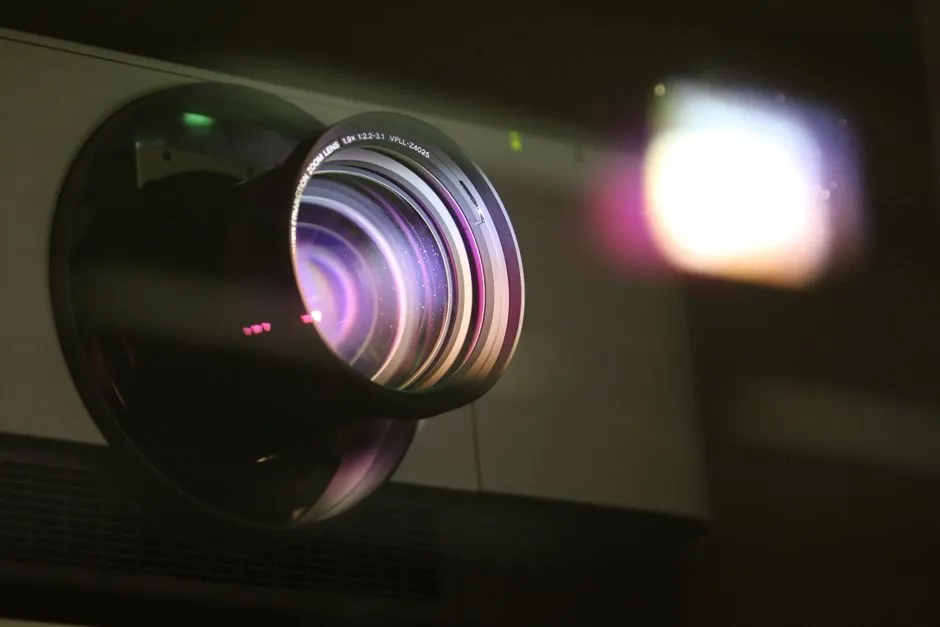
Choose by placement geometry first
A short-throw projector creates a relatively wide image from a shorter lens distance than a standard-throw model. That can reduce rear-room placement and some beam crossings, but it increases sensitivity to screen flatness, projector movement, furniture, and installation geometry. Compare exact throw ratios and manuals.
Short throw saves distance. It does not save measurement.
Map where people and objects move
Standard throw often places the projector behind or above viewers, which can require a shelf or ceiling mount and a longer cable route. Short throw places it nearer the screen, where furniture, pets, children, cleaning, and accidental bumps become part of the plan.
Mark the full projector footprint, exhaust clearance, controls, lens location, and beam volume. Never place objects in the beam or where heat and ventilation are restricted.
Compare image geometry sensitivity
Use throw-ratio calculations for both candidates. A small movement in a short-throw setup can create a noticeable image-size or geometry change, and ultra-short-throw models may need precise height, distance, angle, and compatible screen structure.
Do not expect keystone correction to replace physical alignment. Follow the installation template and keep adjustment margin.
Match the screen
Short projection angles can reveal waves or texture in a wall or flexible screen. Ultra-short-throw ambient-light-rejecting screens use directional structures and orientation that must match the projector and room. A screen labeled for ambient light is not automatically compatible with every throw direction.
Use screen material selection and verify exact manufacturer pairing, viewing cone, hotspot behavior, sparkle, texture, and mounting flatness.
Consider shadows and eye safety
A front short-throw position can reduce people walking through a rear beam, but hands and objects near the screen may still intersect intense light. Never look into the operating lens, and follow all eye-safety warnings, proximity sensors, and child-access restrictions.
Standard throw can create shadows when viewers cross the beam. Plan walkways and mount height so normal movement does not encourage people to approach the lens.
Compare cables, audio, and furniture
Short throw may simplify signal connections near front equipment, but its power and ventilation still need an approved path. Standard throw may place sources far away and require verified long cable links or a receiver.
Check whether front placement competes with a center speaker, soundbar, media console, or screen frame. Use ceiling versus shelf placement for the whole room.
Test noise and maintenance from the seats
A near-screen projector may also sit closer to front-row listeners, while a rear shelf can place fan noise near heads. Compare the exact modes and room acoustics.
Ensure filters, lens, ports, and service panels remain accessible without disturbing alignment. A projector that must be moved for every cleaning will ask you to repeat geometry setup regularly.
Choose the compromise you can protect
Mock up both projector positions and full image outlines. Check seating, screen compatibility, cable route, cooling, access, noise, and the risk of bumps. Separately confirm that no normal seat, doorway, or access route crosses the beam; change the layout if one does.
Short throw is not automatically modern or convenient, and standard throw is not automatically cumbersome. The better system is the one the room can keep aligned while protecting the projector from bumps, toppling, blocked ventilation, and unintended beam redirection.