Projector Ceiling Mount vs. Shelf
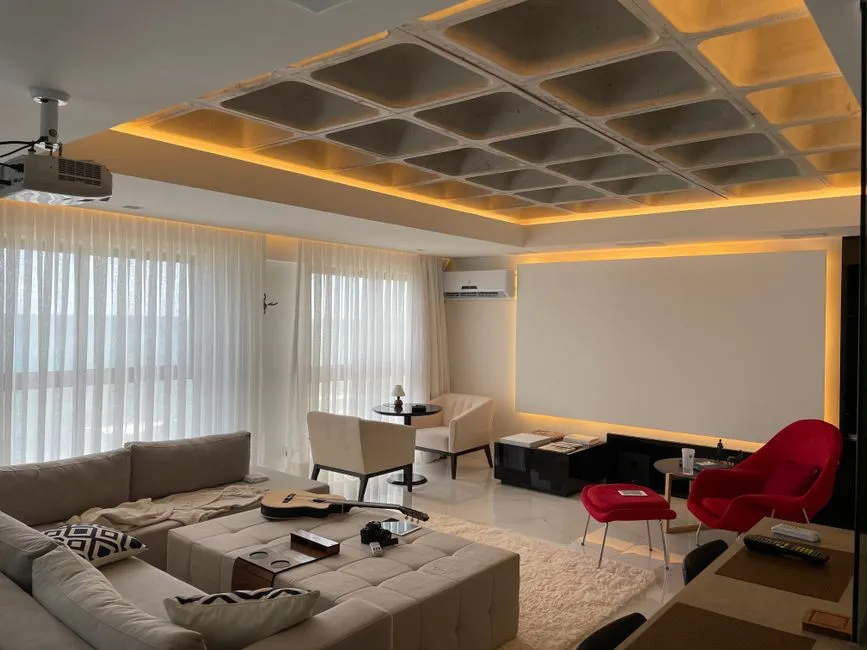
Compare two complete installations
A ceiling mount can protect alignment and keep the projector out of furniture space, while a shelf can simplify access and avoid overhead work. The better choice depends on the lens range, structural support, ventilation, cable path, service access, noise, room use, and safe installation.
Ceiling mounting introduces structural, electrical, falling-object, and overhead-work requirements that ordinary shelf placement does not.
Verify optical placement first
Use the exact throw calculator and manual for image width, lens distance, vertical offset, mounting orientation, zoom, and lens shift. Confirm where the lens sits inside the cabinet.
Apply throw-ratio math before choosing hardware. If either position requires extreme digital keystone or maxed-out optical shift, adjust the room plan.
Evaluate a ceiling mount
The structure and mount must support the projector and all applicable safety factors under product instructions and building rules. Use a compatible listed mount, correct fasteners, required safety hardware, and qualified installation. Never attach only to decorative ceiling material or guess what is above it.
Route overhead work to a qualified installer. Do not work overhead with the projector energized or while people sit below. OSHA's portable ladder safety card says to inspect the ladder, use it on a stable level surface unless secured, and keep three-point contact while climbing. New mains outlets or concealed power need qualified electrical work; ordinary extension or flexible power cords do not belong inside walls.
Evaluate a rear or side shelf
A shelf needs adequate load capacity, stability, depth, edge protection where appropriate, and exact ventilation clearance. Avoid soft furniture, vibration, direct heat, enclosed cabinets, and locations accessible to children or pets.
Check whether the lens clears the shelf and whether the cabinet blocks exhaust. A rear shelf near listeners may make fan noise more noticeable. Ensure nobody can push the projector while reaching for another object.
Route power and signal separately and safely
Follow cable-routing guidance and local codes. Keep cables away from walkways, sharp edges, heat, moving mounts, doors, and sprinklers. Use wall-rated signal cable only where allowed and never conceal a connector or power arrangement not approved for that use.
Leave service loops only as instructed; hanging coils can pull ports or mounts.
Compare lens controls
Optical lens shift can let a shelf or mount sit away from image center within the documented range. Lens shift and keystone are not equivalent: the first repositions optically, while the second digitally reshapes the image and can reduce usable resolution.
Some projectors have little or no shift and require precise physical placement. Read the exact diagrams.
Test access and heat
Mock the projector dimensions and clearance before installation. Can user-serviceable filters, covers, ports, focus, zoom, and reset controls be reached without entering the beam? Does warm exhaust avoid the screen, wall, fabric, and people? Never look into an operating lens, and follow the exact model's eye-safety warnings. Epson's safety instructions state that the bright light can damage eyes.
Never cover the projector or place it in an enclosure not designed for its cooling needs.
Choose the position that stays correct
Ceiling placement suits rooms where qualified mounting and permanent alignment outweigh service convenience. A shelf suits rooms with a stable optical location, safe access, and protected cables.
Whichever option is selected, record all measurements before qualified installation and document cable and fastener routes. The projector should remain aligned because the installation is structurally and electrically sound.