Choose a Projector for Your Room
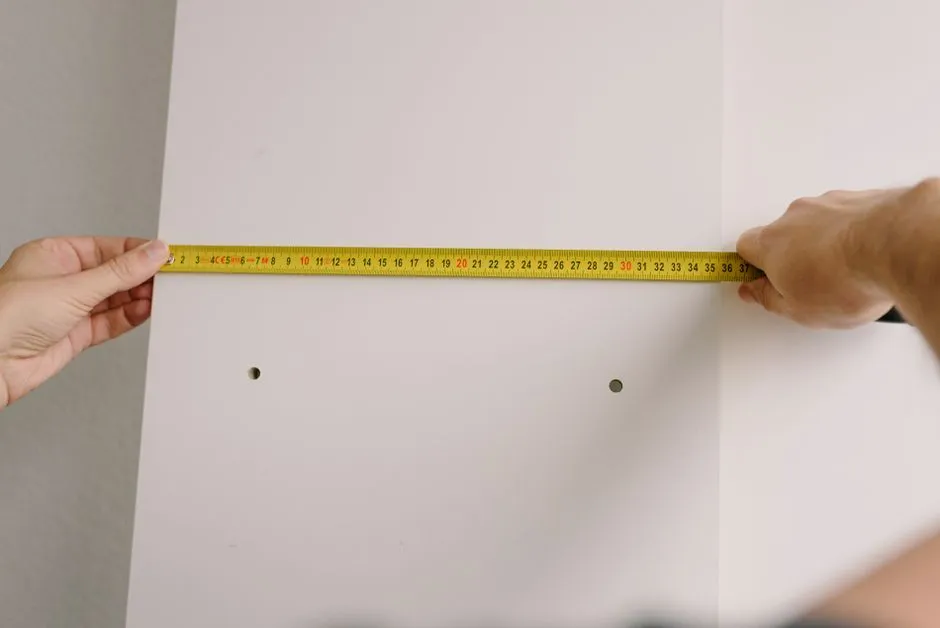
Let the room eliminate the wrong projectors
Choose a projector by measuring the screen wall, projector location, seating, ambient light, cable path, ventilation, and mounting options before comparing specifications. Then shortlist models whose official throw, lens, brightness, resolution, input, noise, and installation ranges support those measurements.
Buying before measuring can leave the selected model outside the room's documented throw, ventilation, signal, or installation limits.
Draw the room from above and from the side
Record wall width and height, ceiling height, seating distances, door swings, windows, lights, vents, shelves, beams, and every plausible projector position. Mark the distance from the lens—not the back of the chassis—to the image plane as the manufacturer defines it.
Add clearance required around the projector and the path for power and signal cables. Keep exits, walkways, sprinklers, detectors, vents, and access panels unobstructed.
Define the image before the model
Choose a tentative aspect ratio and image width based on seating comfort, room height, speaker placement, subtitles, and sightlines. Use the screen-size planning guide and leave room for borders, frame, furniture, and ventilation.
Do not assume the largest possible picture is the best. A screen can exceed comfortable eye movement, expose source flaws, force seats against walls, or displace the planned speakers.
Match throw and lens controls
For each candidate, use the official calculator or manual to verify image size across your measured lens distance. Check throw-ratio math, zoom range, lens-shift range, mounting orientation, and whether the lens is centered or offset within the cabinet.
Favor physical placement and optical lens controls over heavy digital keystone correction. If the geometry works only at the extreme edge of every range, allow installation margin or choose another model.
Audit light and surfaces
List daylight direction, uncontrolled lamps, light wall and ceiling reflections, and whether viewing happens mostly day or night. Ambient-light control may improve the picture more predictably than buying around an avoidable window reflection.
Brightness claims must be compared in relevant picture modes and measurement standards where disclosed. Screen size, screen material, throw, optical settings, lamp or laser mode, calibration, and room light all affect the viewed image.
Build the complete signal path
List source devices, resolutions, frame rates, high-dynamic-range formats, copy-protection needs, receiver or soundbar, cable lengths, control method, and gaming requirements. Verify every link supports the intended signal; the projector cannot restore features removed upstream.
Plan audio separately. Small built-in speakers may help setup, but they do not define a room's final sound plan.
Compare ownership and installation
Check filter and light-source maintenance, replacement parts, warranty, service access, fan noise, operating modes, power, heat, firmware process, mount compatibility, and return policy. Read the exact manual before purchase.
Overhead mounting, new mains outlets, concealed cable routing, or structural work needs qualified installation under local rules. Never run ordinary flexible power cords inside walls: OSHA standard 1910.305(g)(1)(iv) prohibits flexible cords from substituting for fixed wiring or being run through or concealed behind walls, ceilings, or floors in the workplaces it governs. Never look into an operating lens. Epson's safety instructions route ceiling or wall mounting to qualified technicians using hardware designed for the projector.
The best projector is the one the room can place, cool, connect, focus, and operate safely in the mode you will actually use. Record the chosen lens, orientation, cable path, ventilation clearances, and verified signal modes before ordering installation hardware.